

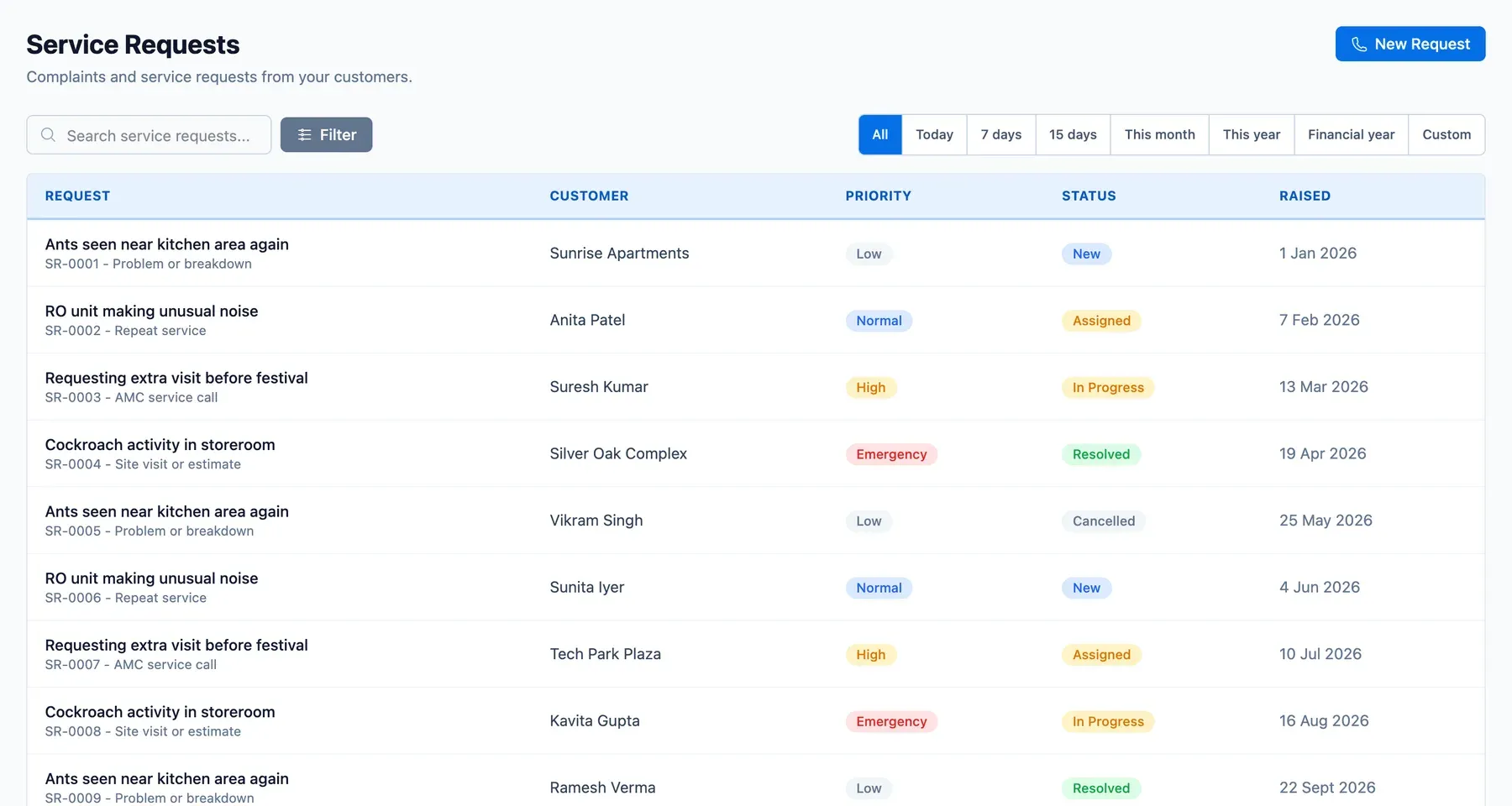
Most calls to a service business are the same: something is not working, when can you come? Written on paper or in a chat, the request has a half-life of a day. ServicePilot gives each call a record that is easy to log and hard to forget.
Log the service request in seconds
- Customer, site and equipment are chosen from the customer's record, so the technician arrives knowing what is installed.
- Category and priority help the coordinator order the day.
- Notes and files hold the customer's description and any photo they send.
From request to job
When the work is agreed, the request becomes a job that appears on the dispatch board. The request keeps a link to the job, so anyone opening it can see what happened next.
Complaint management that shows repeat faults
Complaints are logged with the visit they relate to and their category. Over time the list shows which service, which technician or which product comes up again. After a completed job, customer feedback catches unhappy customers before they become complaints.
How a call is handled
- A customer calls; staff open the customer and log the request.
- Priority and category are set.
- A job is created and assigned.
- The visit is done and the request is closed against it.
Illustrative example: an AC service call in peak summer
In May, a Delhi AC service business takes eighty calls a day. The telecaller logs each against the customer's AC, marks urgent ones where the unit is not cooling at all, and the coordinator fills the board in priority order. A customer who calls twice about the same AC has both calls on one record.
Who it is for
Telecallers, coordinators and owners. Customers and equipment are kept under customers, sites and assets.