

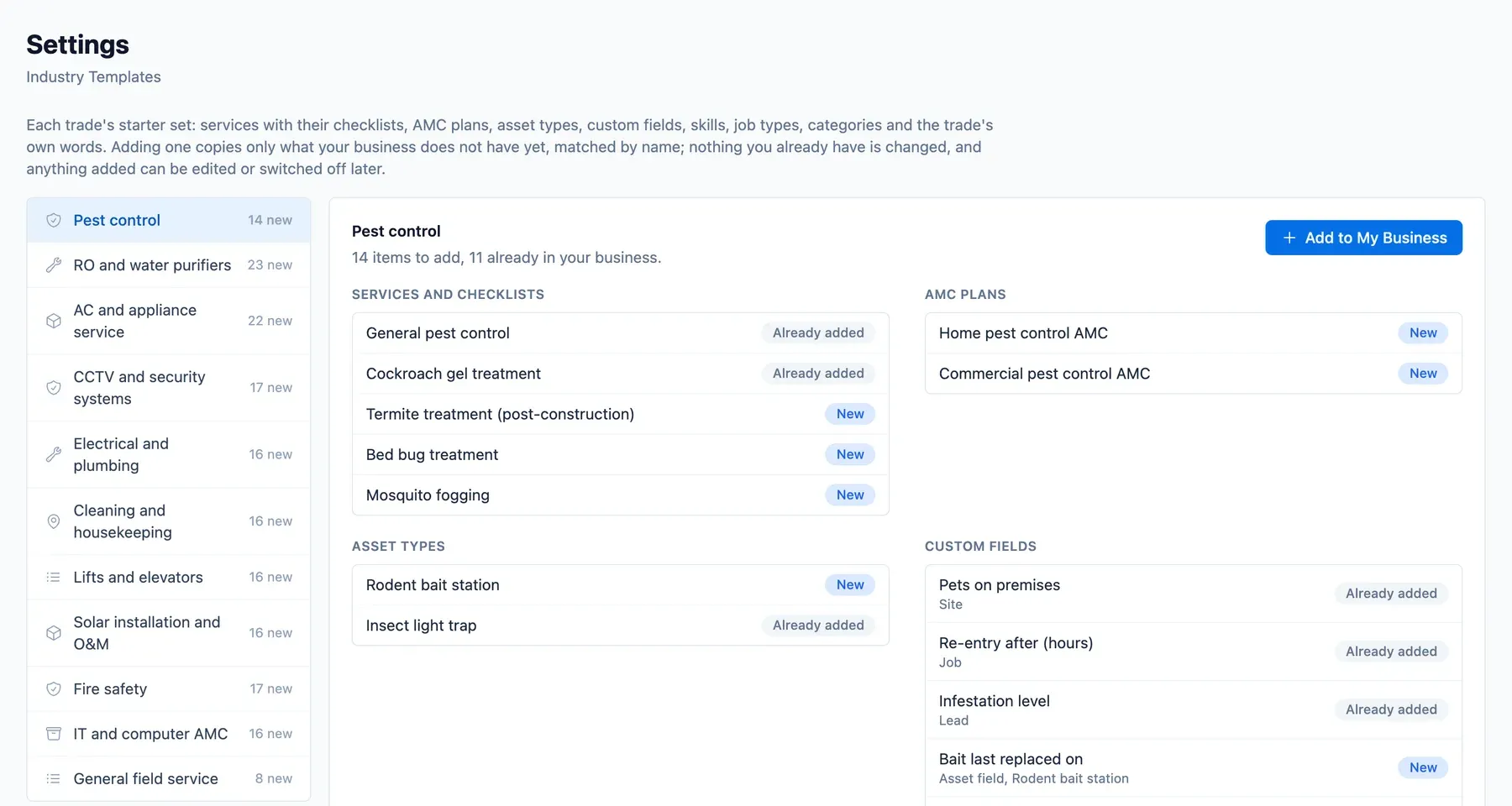
The slowest part of adopting new software is the blank page: entering every service, price, tax code and checklist. A template means the first day is spent on your customers, not on data entry.
What an industry template contains
- Services with unit, duration, price, SAC code and GST rate.
- Checklists per service, with photo requirements where they matter.
- AMC plans built from those services.
- Asset types with warranty, routine service and statutory checks.
- Complaint and product categories, custom fields and standard terms.
The ten industries
Templates exist for pest control, RO and water purifier, AC and appliance service, CCTV and security, electrical and plumbing, cleaning, lifts, solar, fire safety and IT AMC, plus a generic one.
An industry template the business can change from day one
After signup the template is just your data. Industry templates can also be applied later from settings if you add a trade.
Starting with a template
- Choose your industries at signup.
- The template is copied into your account.
- Adjust prices and checklists.
- Add customers and start contracts.
Illustrative example: a new AC service business
A two-person AC business picks the AC template and gets wet service, gas refill, installation and a split AC AMC with three services, each with SAC and GST. The owner changes the prices and adds the first customers the same day.
Who it is for
New customers and any business adding a trade.